跳至内容

INFOXIAO

  • HOME
  • TikTok
  • Shopify
  • PHP
  • WordPress
    • WordPress主题
    • WordPress插件
  • PC/Mobile
    • Win11
    • win
    • Linux
    • Apps
    • Android
    • IOS
    • 浏览器
  • Weebly教程
  • Adsense
  • 办公技巧
  • 中文 (中国)
    • 中文 (台灣)
    • English

win

彻底了解您的 Windows 操作系统!获取提示和技巧,并发现最好的 Windows 软件和现代应用程序

如何从可启动USB驱动器安装Windows 10

Boot Windows Usb 768x384

如何从可启动USB驱动器安装Windows 10 需要安装全新的 Windows 副本? 从 U 盘…

阅读更多

如何为老年人设置Windows PC

Serious Senior Man In Formal Suit Working On Laptop At Workplace 768x384

如何为老年人设置Windows PC 如果老年人不习惯现代技术,他们可能会感到沮丧。 微软在让 Wi…

阅读更多

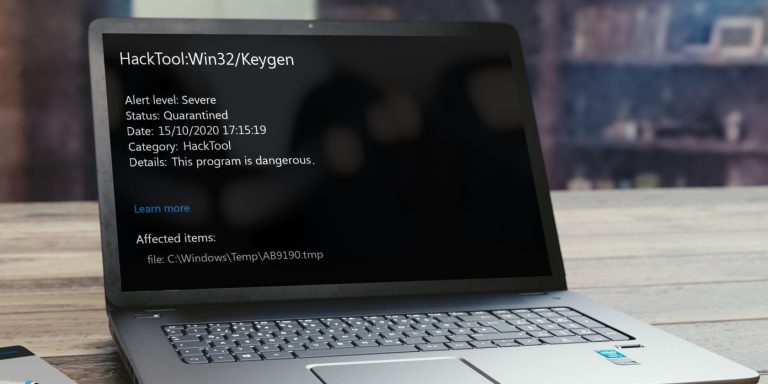
如何在Windows上删除HackTool:Win32/Keygen恶意软件

Mockuper 1 1 1 768x384

如何在Windows上删除HackTool:Win32/Keygen恶意软件 您是否在设备上运行扫描…

阅读更多

如何修复Microsoft Store错误代码0x80131500

Microsoft Store On Windows 11 Tablet 768x384

如何修复Microsoft Store错误代码0x80131500 Microsoft Store …

阅读更多

如何修复Windows Sandbox未找到Hypervisor 0XC0351000错误

Windows Sandbox No Hypervisor Was Found 0xc0351000 Fix 1 768x384

如何修复Windows Sandbox未找到Hypervisor 0XC0351000错误 Wind…

阅读更多

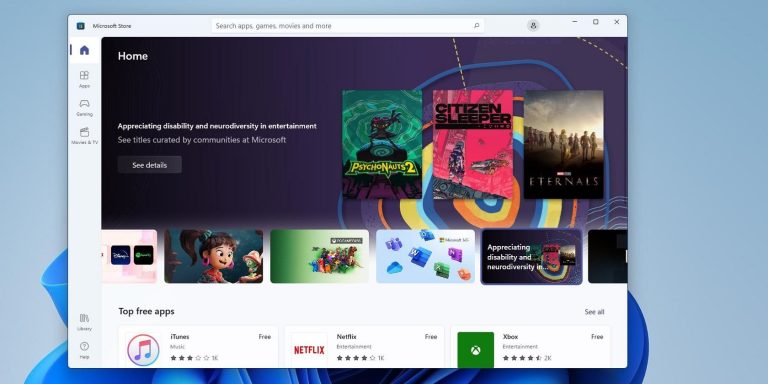
如何修复Windows 10/11中的Microsoft Store错误0x80131505

Microsoft Store 768x384

如何修复Windows 10/11中的Microsoft Store错误0x80131505 Mic…

阅读更多
如何修复Windows 10/11中的卸载错误0x80073CFA

How To Enable And Disable Hibernate Mode In Windows 11 768x384

如何修复Windows 10/11中的卸载错误0x80073CFA 错误 0x80073CFA 是 …

阅读更多

修复Windows 10/11中的DXGI_ERROR_DEVICE_HUNG错误

Gaming Error Feature Image 768x384

修复Windows 10/11中的DXGI_ERROR_DEVICE_HUNG错误 许多 Windo…

阅读更多

如何修复磁盘被写保护的USB错误

如何修复磁盘被写保护的USB错误

如何修复磁盘被写保护的USB错误 你已经完成了一天的工作。 剩下要做的就是将文件粘贴到 USB 闪存…

阅读更多

如何通过CMD命令提示符检查虚拟化是否已启用

Command To Check Virtualization Is Enabled In Windows 11 Or 10 768x590

如何通过CMD命令提示符检查虚拟化是否已启用 想要使用命令提示符或 Powershell 确认您的 …

阅读更多

较早文章
较新文章
← 上一页页面1…页面45页面46页面47…页面89下一页 →
  • 中文 (台灣)
  • English
  • INFOXIAO隐私政策
  • 联系我们
  • 服务条款
©2021- 2026 INFOXIAO• Built With 晓得博客
  • HOME
  • TikTok
  • Shopify
  • PHP
  • WordPress
    • WordPress主题
    • WordPress插件
  • PC/Mobile
    • Win11
    • win
    • Linux
    • Apps
    • Android
    • IOS
    • 浏览器
  • Weebly教程
  • Adsense
  • 办公技巧
  • 中文 (中国)
    • 中文 (台灣)
    • English